Orbit Security Group

Platforms we specify

Vendors on the door. Product lines underneath. cnWave and ePMP are Cambium — they do not sit next to Cambium as if they were a different company.

Known manufacturers — product imagery, not partnership

Vendors on our drawings — product photos where we have them. Every design names the gear before anyone orders.

Product names and images identify hardware we may specify — descriptive use only. Orbit Security Group is independent and not affiliated with or endorsed by Ubiquiti, Cisco, Cambium Networks, Peplink, or SpaceX. Typographic panels are plain-type references, not official manufacturer logos. Full attribution

Full platform scope →

Platform detail below ↓

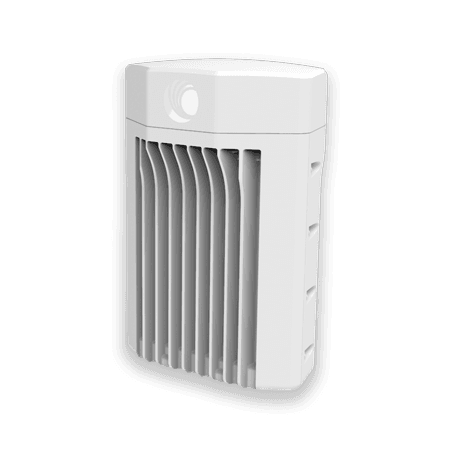
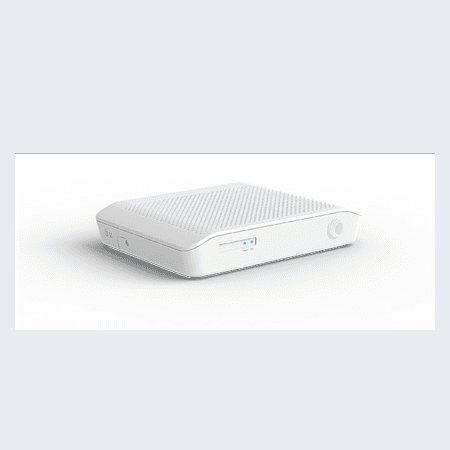
Cambium cnWave V5000 distribution node

Cambium

The radio house for hops off the building. cnWave and ePMP are product lines here — not separate vendors.

  • Cambium cnWave V5000 distribution node

    cnWave (60 GHz)

    Short, clean line of sight. V5000 as the hub, V1000 or V2000 as the client. We do not specify the V3000 — that one needs an RF engineer on the roof.

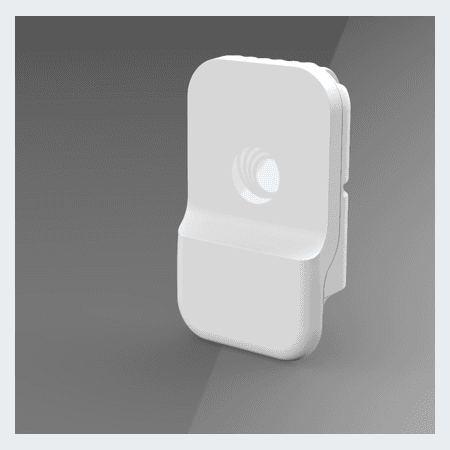
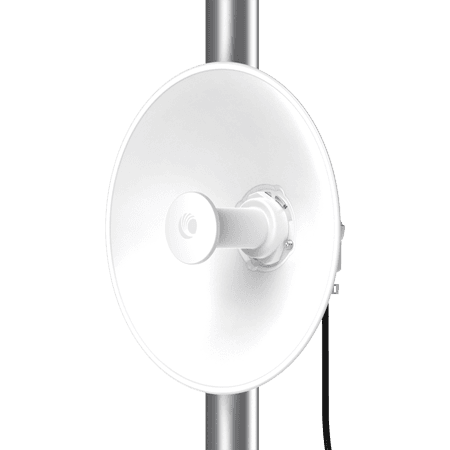
  • Cambium ePMP 4600

    ePMP (6 GHz)

    When 60 GHz has no clean LOS. 4600 access point and Force 4600 subscriber, or Force-to-Force for a single hop.

Meraki

Cloud-managed Cisco switching and routing when the site wants a Meraki dashboard — we design to current MX and switch SKUs as that line keeps moving.

  • Switching and routing

    VLANs, PoE, IDF/MDF on the Meraki stack. Licensing and hardware tiers change — we quote orderable SKUs, not an old bundle from a prior year.

Cisco Small Business

Traditional CBS-class switches — buy over the counter at CDW or a local reseller. No cloud subscription on the switch for basic PoE and VLAN work.

  • CBS switching

    CBS250, CBS350, and the current Small Business line. Low-cost entry for a small IDF powering cameras and door hubs — especially when Meraki licensing or UniFi is not the fit.

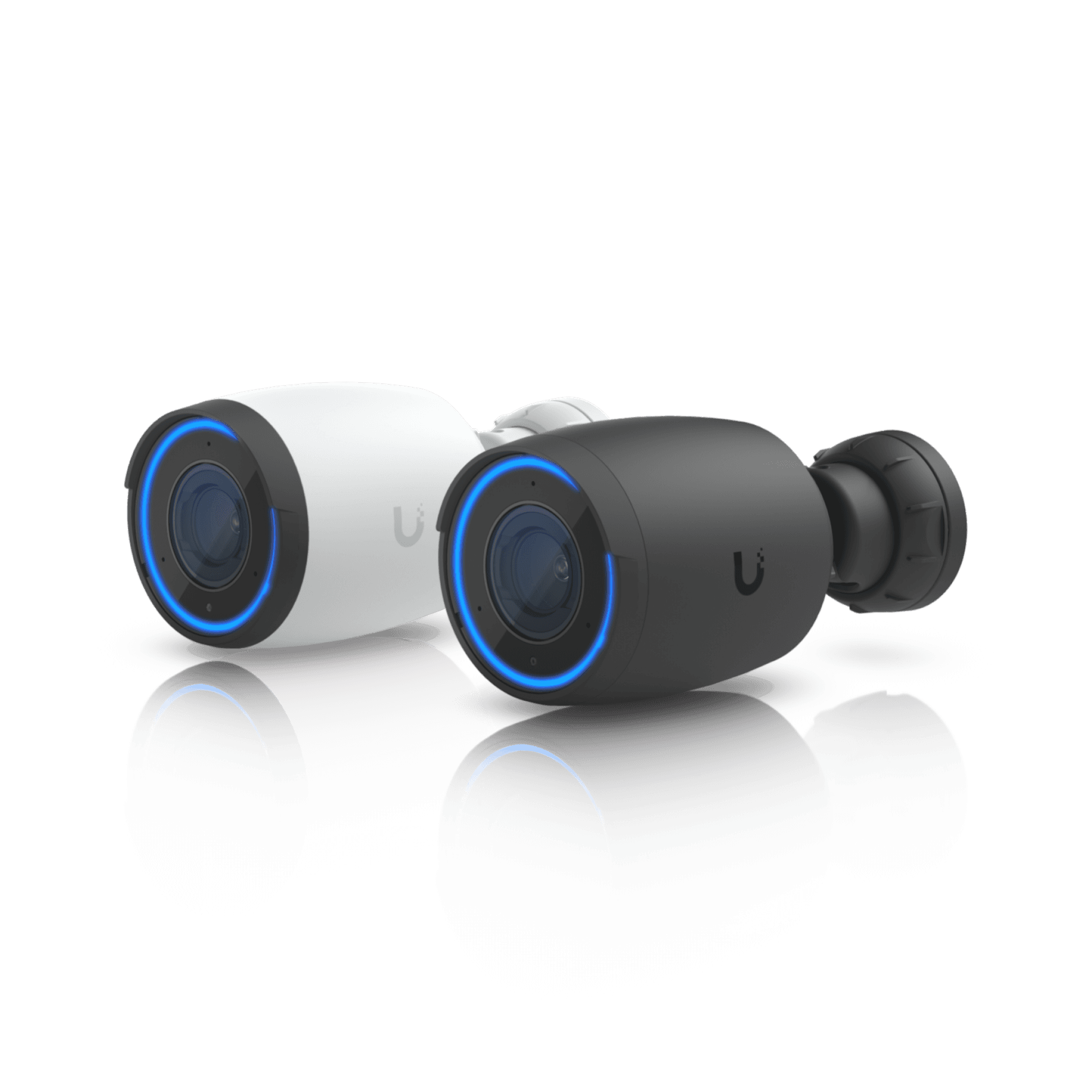
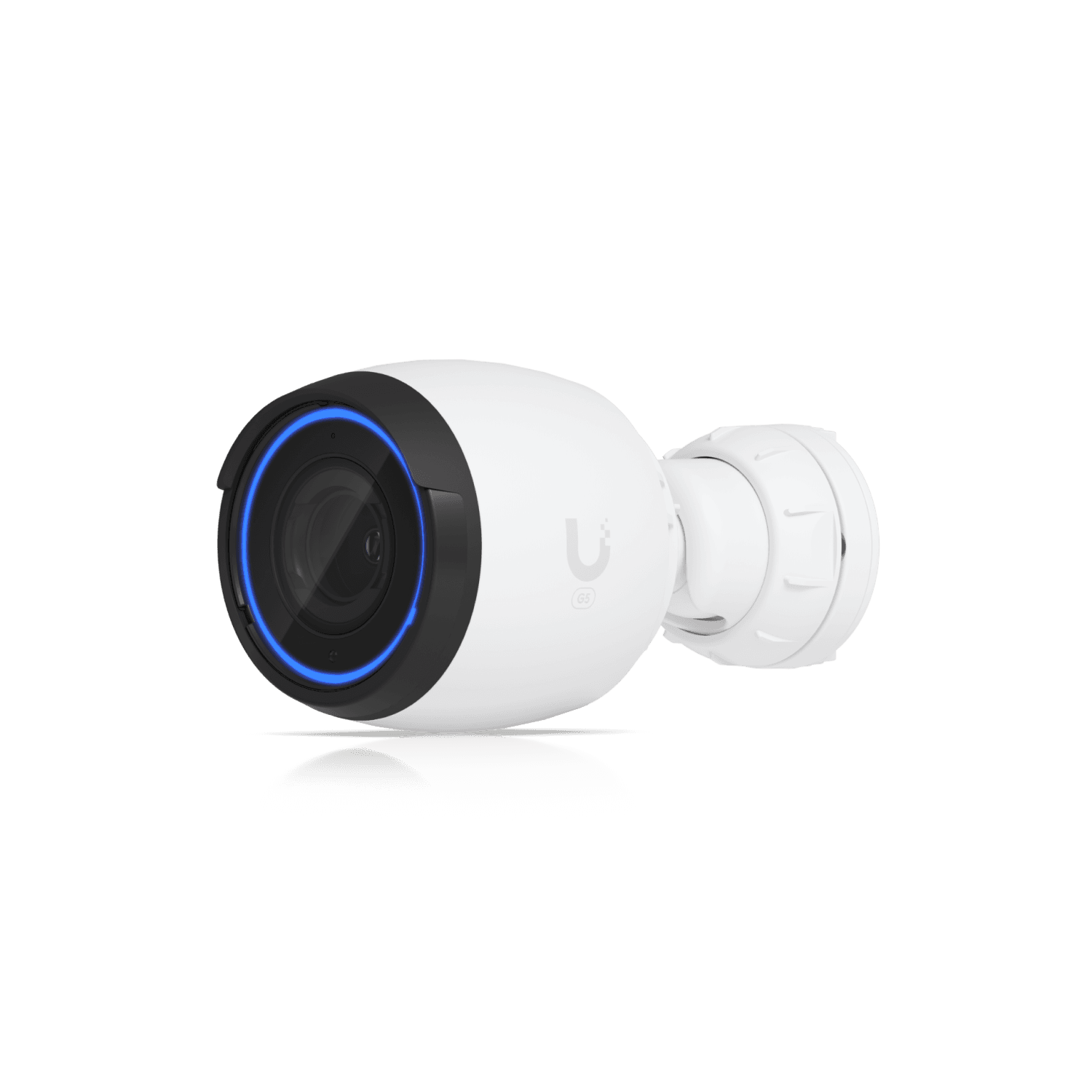
UniFi Protect AI Pro camera

Ubiquiti

The UniFi line we design for today — UniFi Access for doors and intercoms, Protect for cameras, UniFi switching when the site needs PoE on the same console.

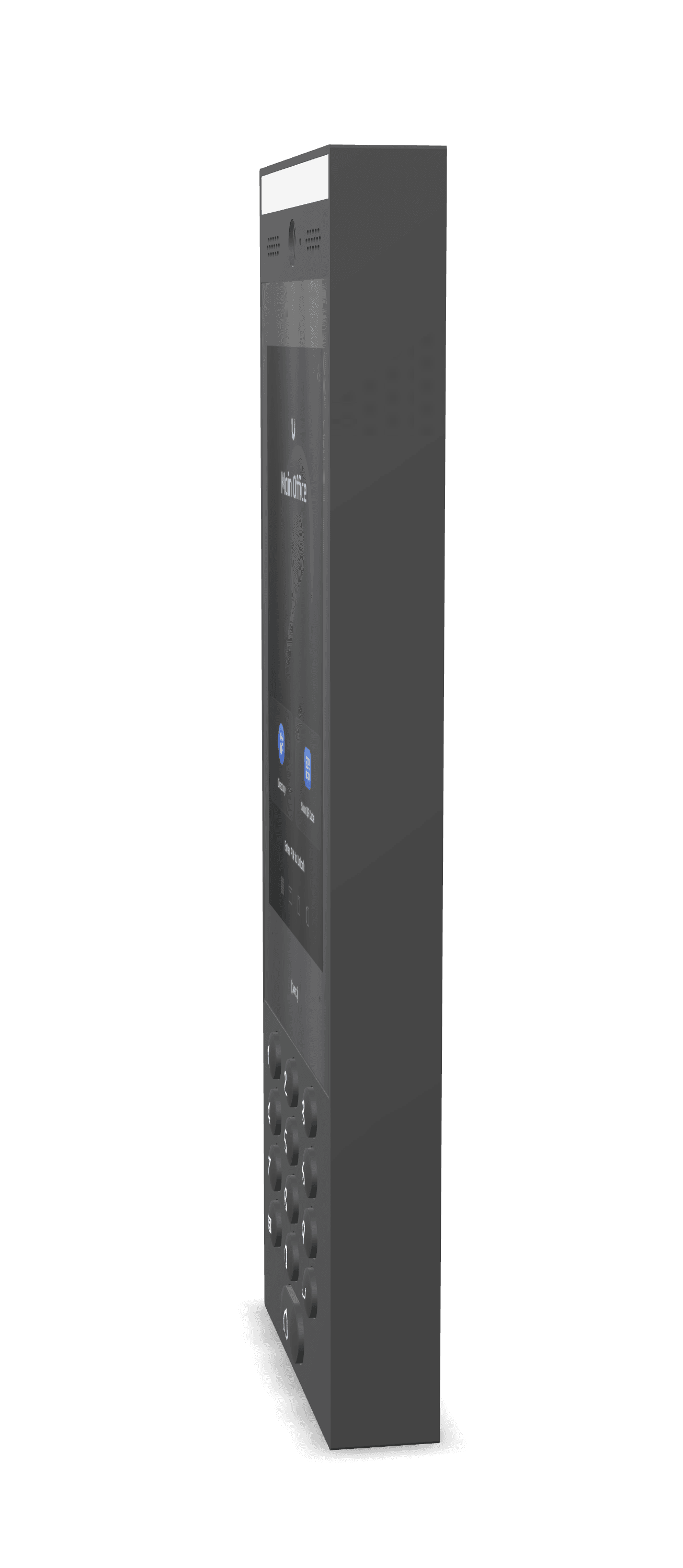
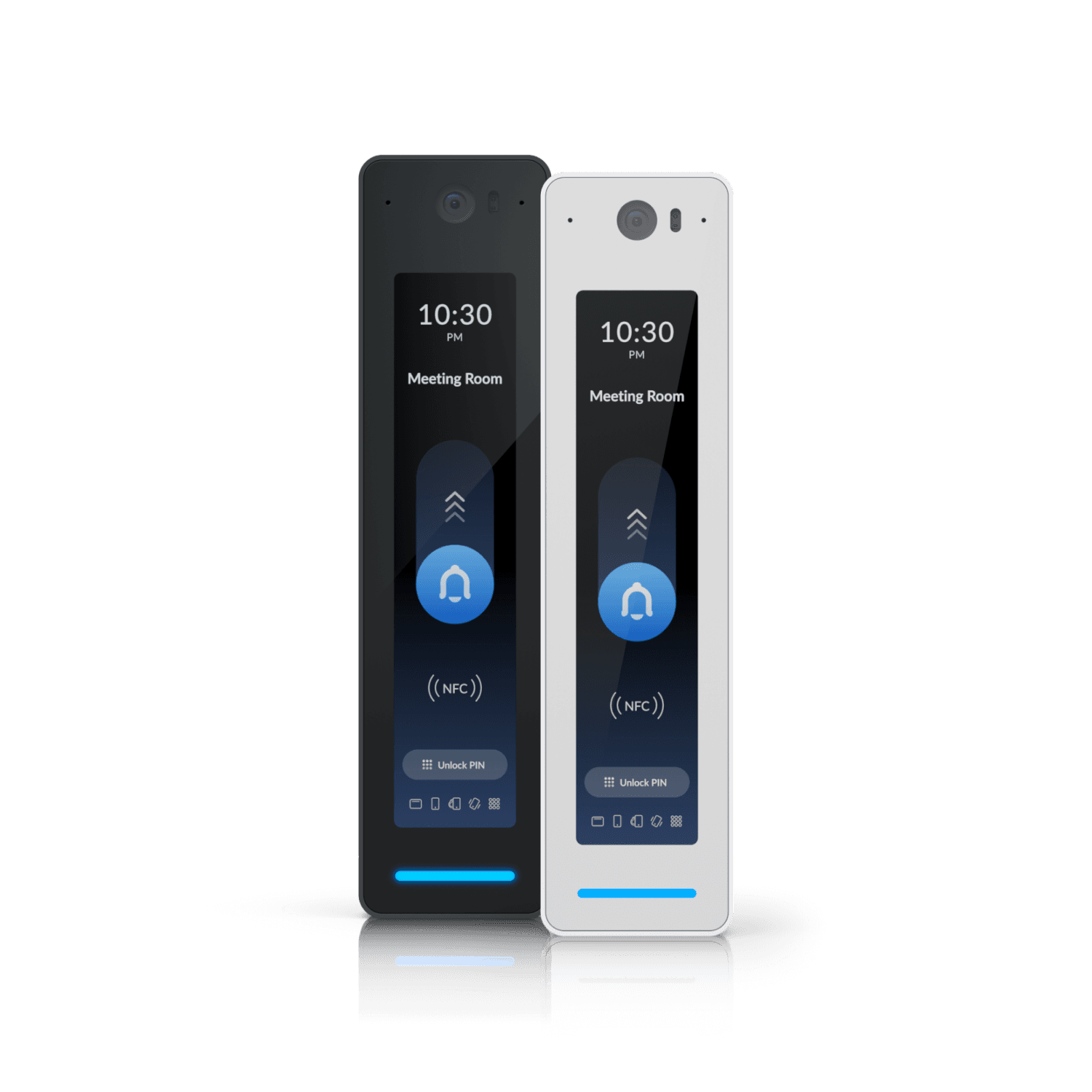
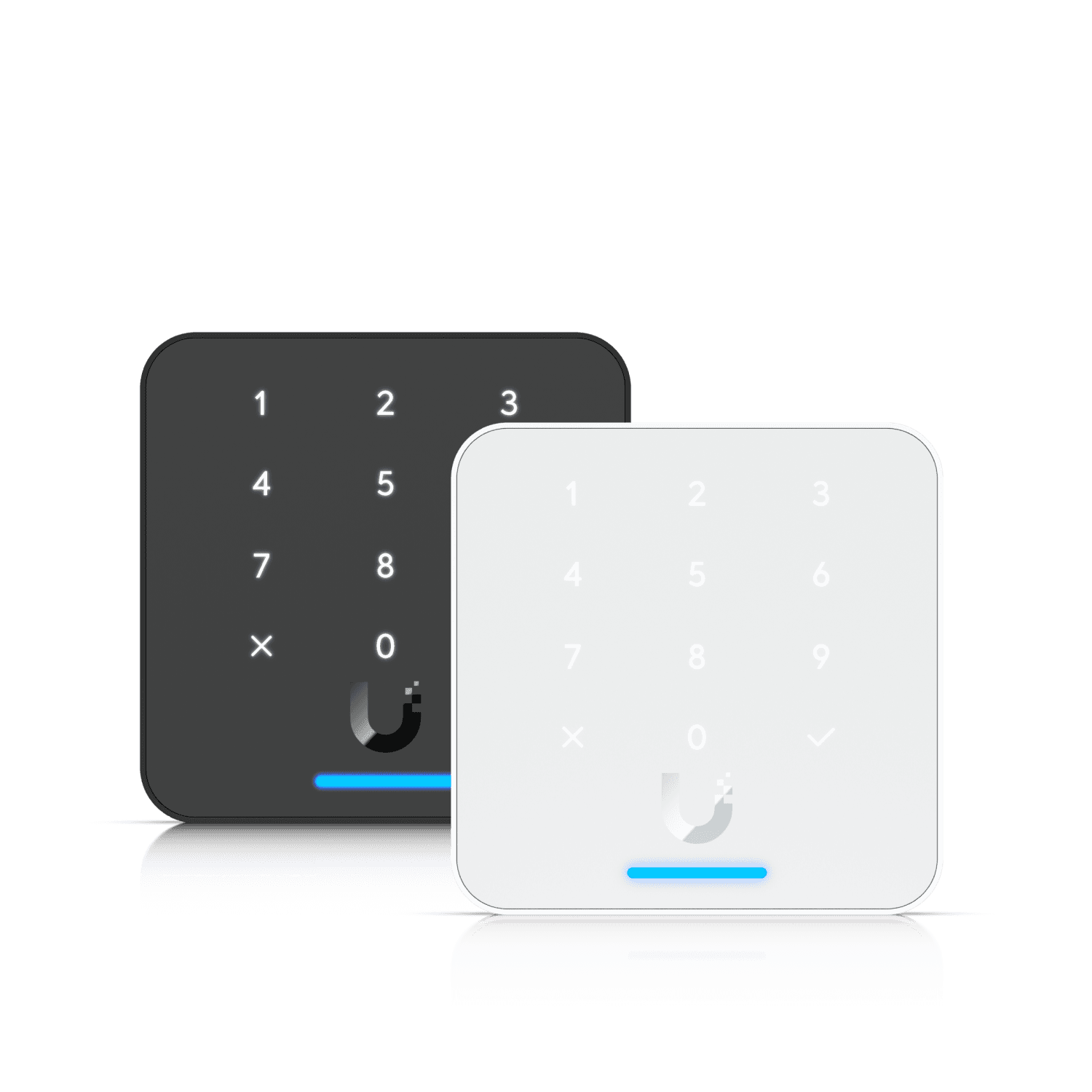
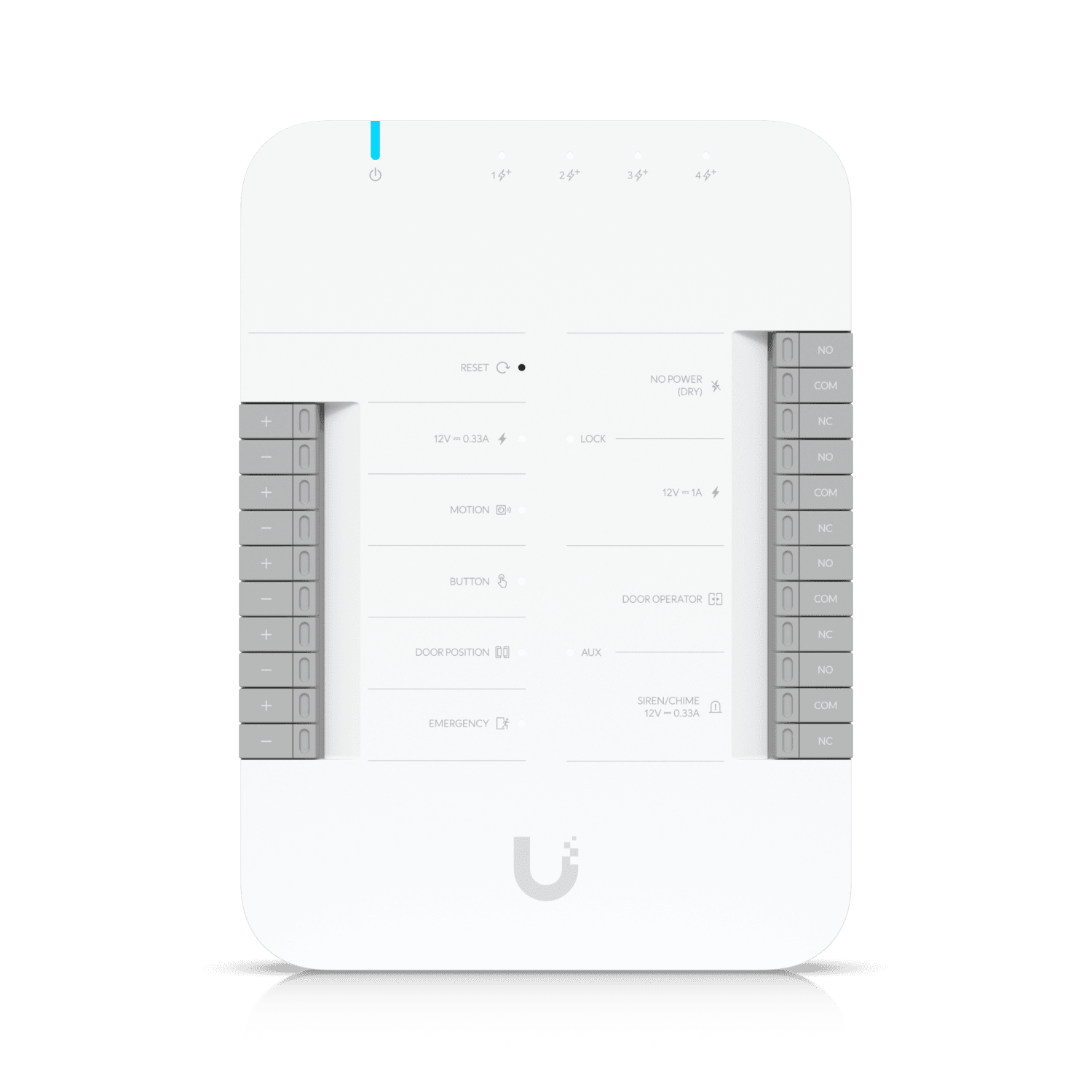
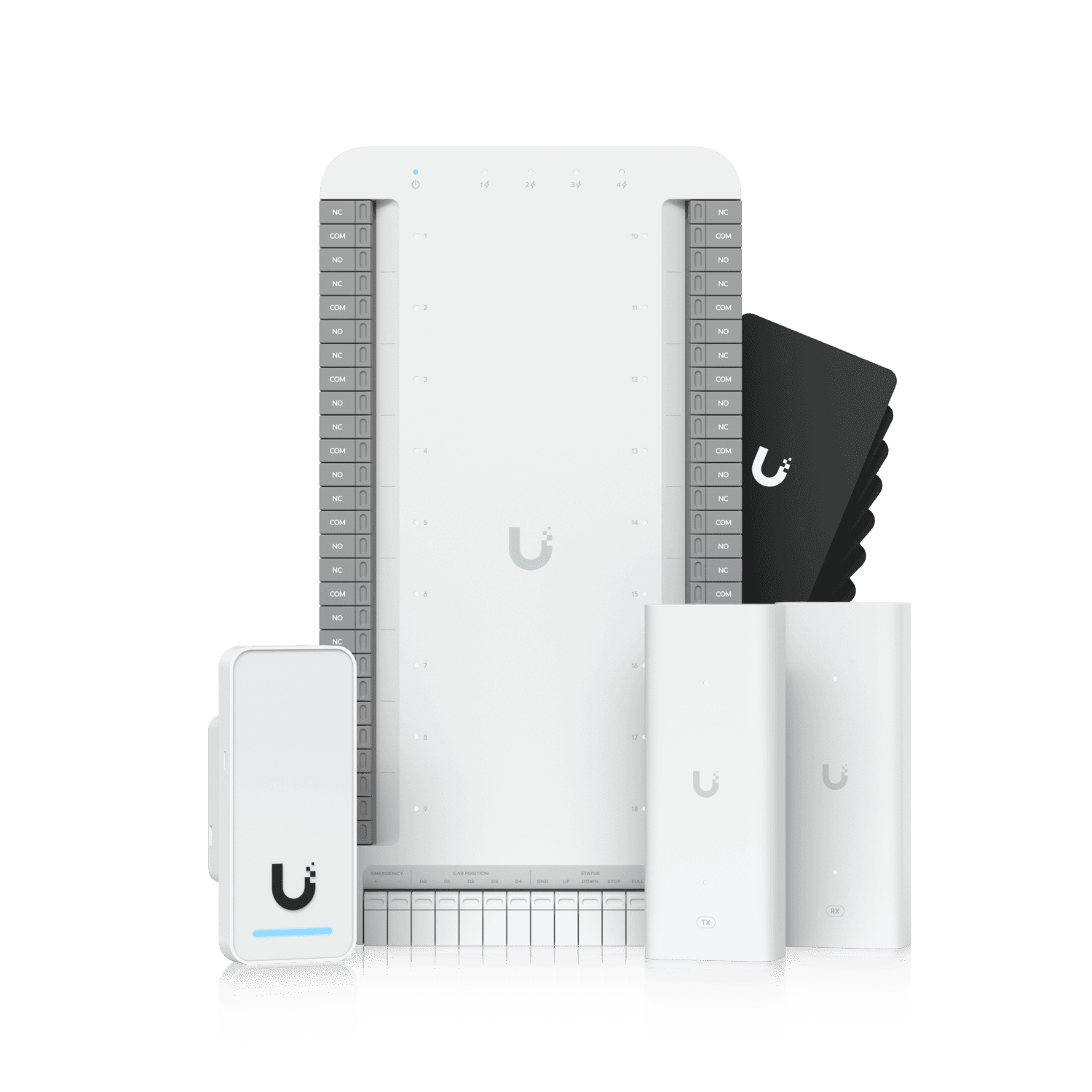
  • UniFi Access G3 Intercom

    Door access & intercom (UniFi Access)

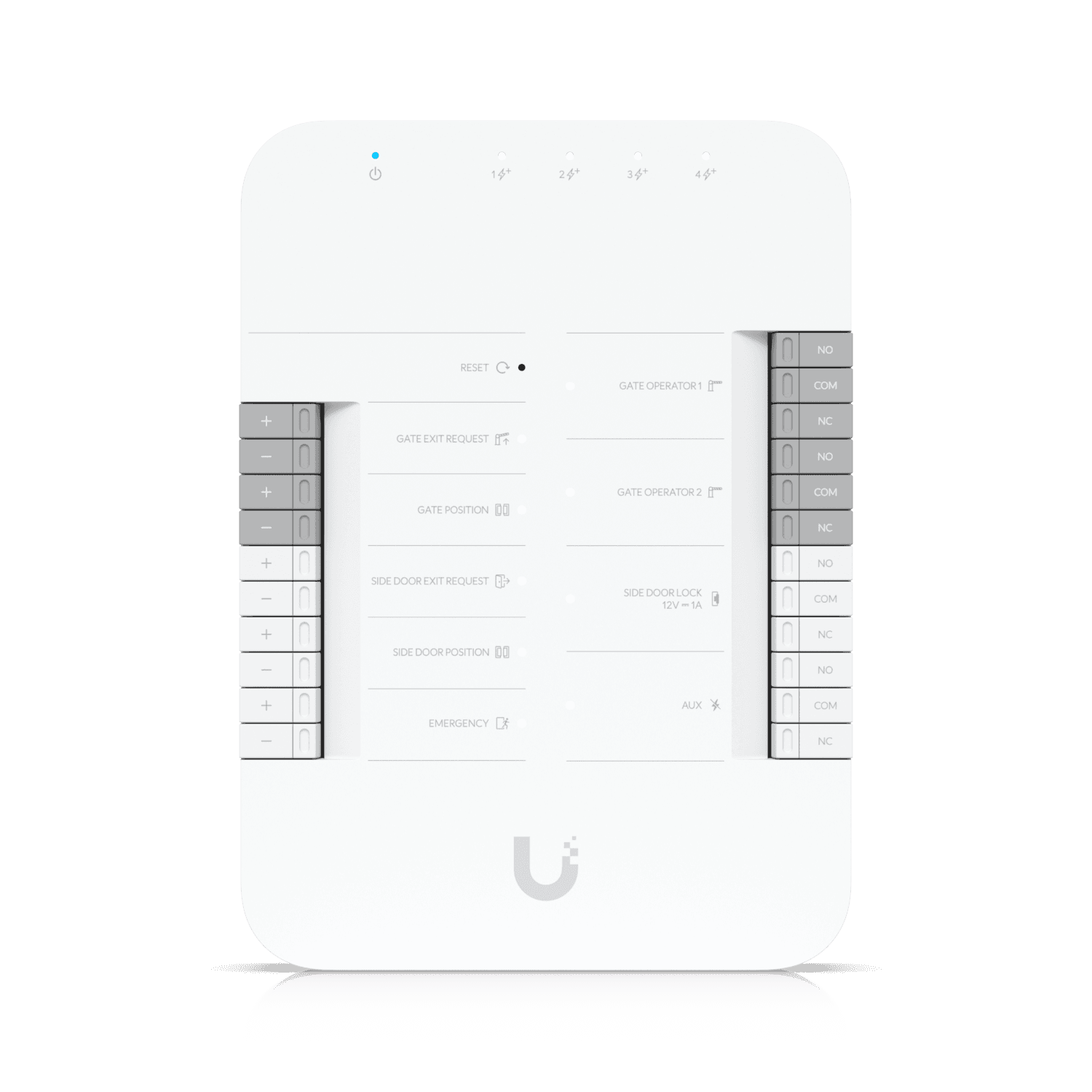
    G3 Intercom at door or gate, Intercom Viewer inside, readers and hubs when badges belong on the same console — hardware you can order from CDW, a rep, or direct. No per-door licensing.

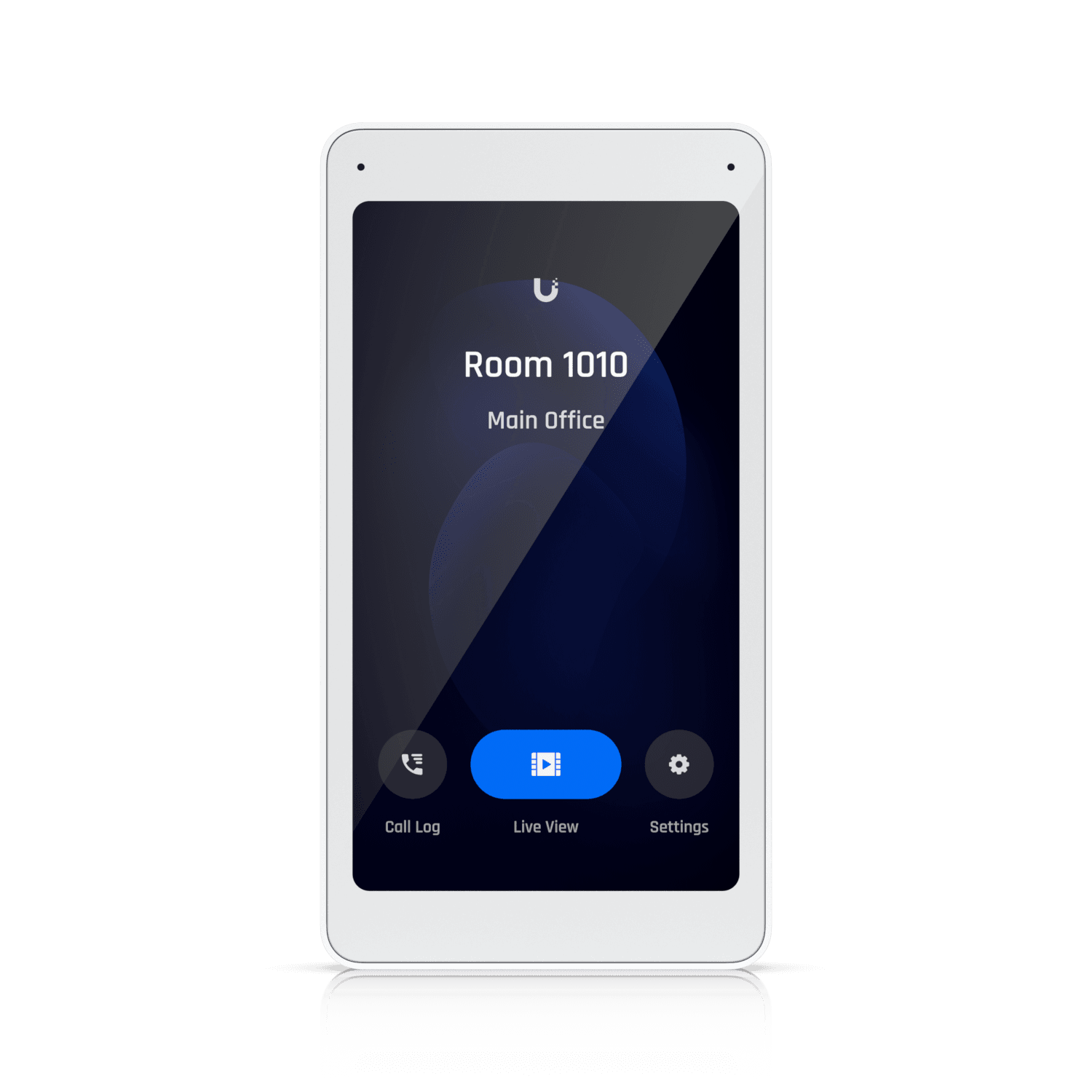
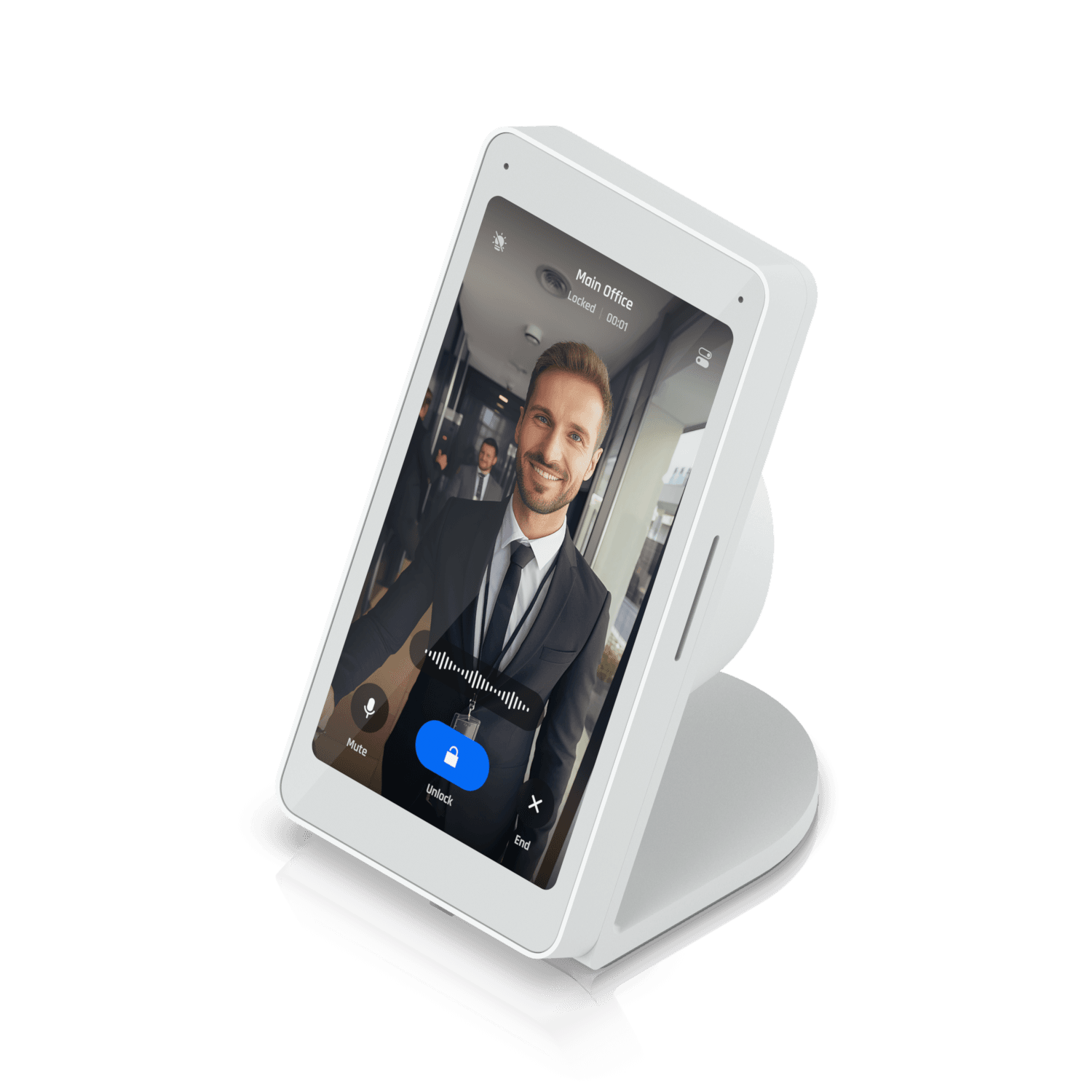
  • UniFi Access Intercom Viewer wall station

    Intercom Viewer

    5-inch screen on the wall or a desk stand — live view of the pickup door from the office, front desk, or classroom wing. Staff see who is there, talk, and unlock without leaving the room.

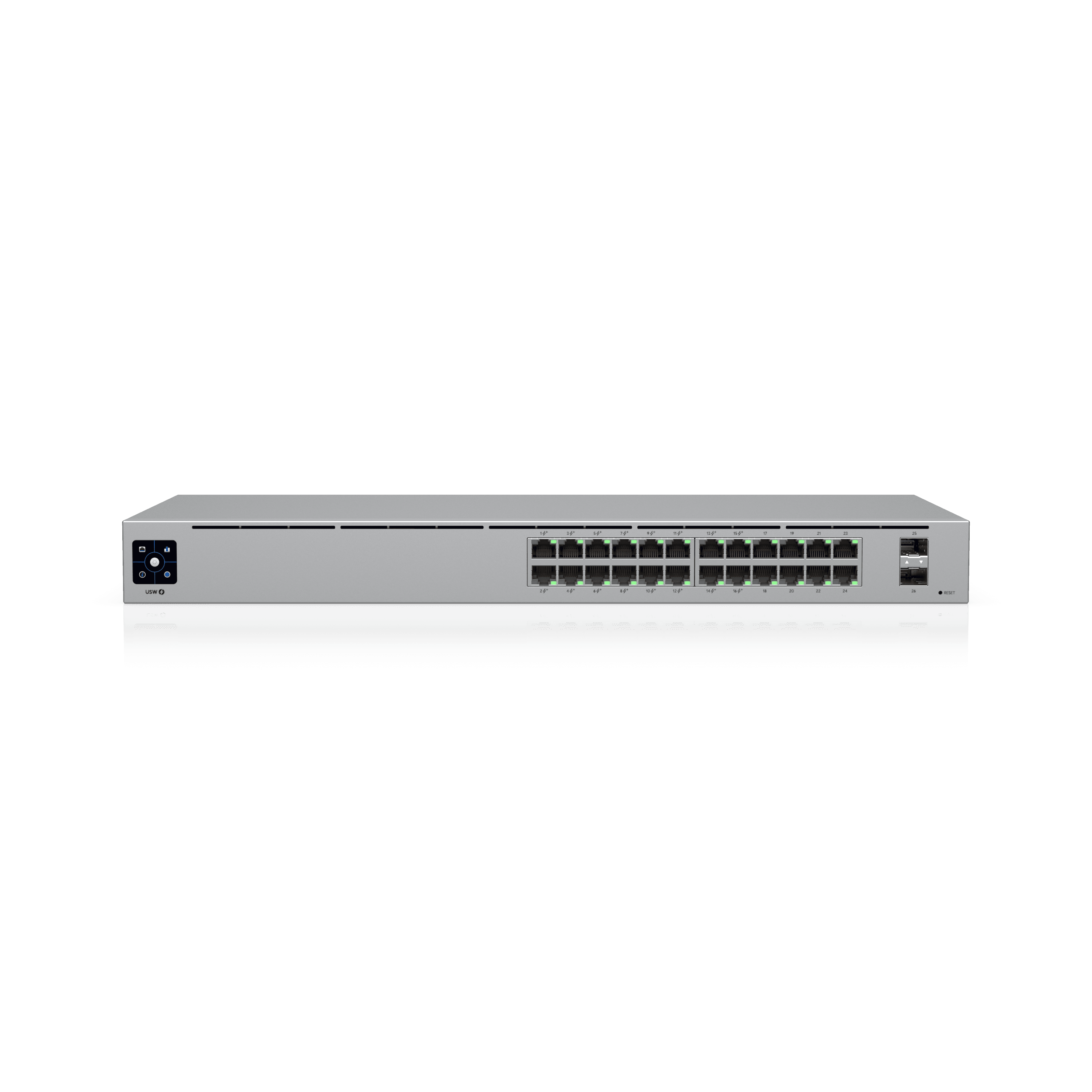
  • UniFi Switch 24 PoE

    Switching and routing

    PoE for door hubs and cameras. One of three LAN stacks we spec — alongside Meraki and Cisco Small Business when UniFi is not the switching choice.

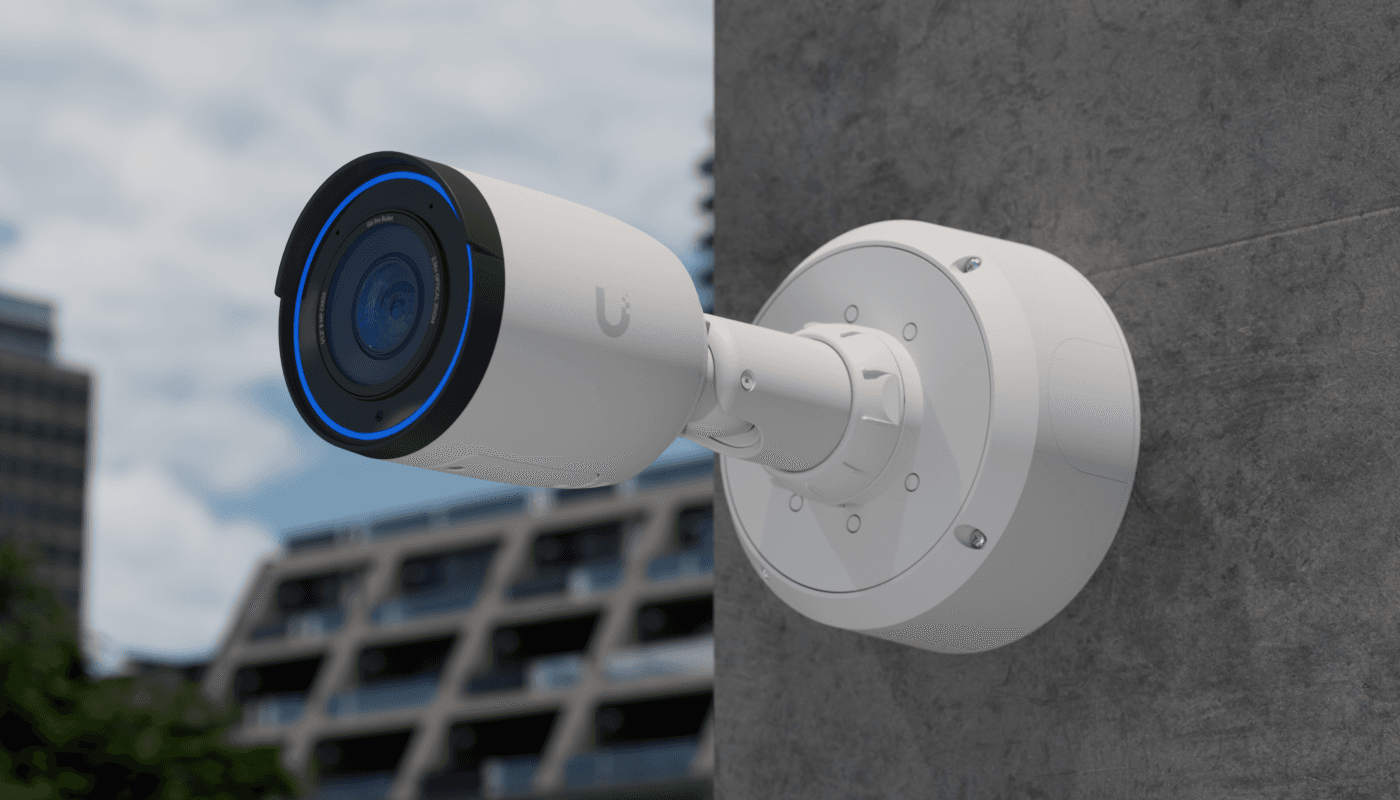
  • UniFi Protect AI Pro camera

    Cameras (Protect)

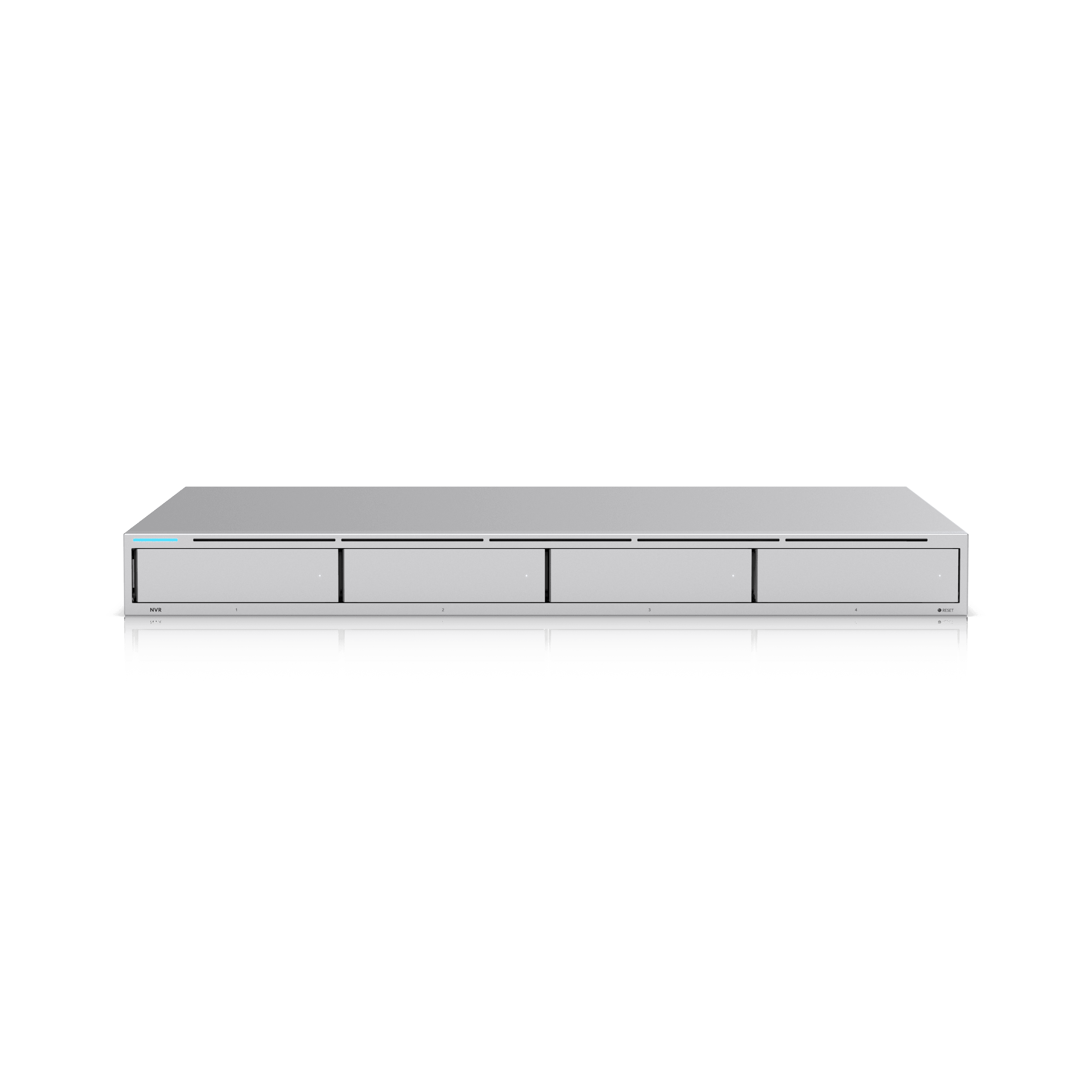
    LPR, facial recognition, person/vehicle detections, line crossing, audio analytics, and NeXT AI search — local on UNVR, no per-camera cloud fee. AI Port and AI Key when the site mixes camera generations.

Product images courtesy of Ubiquiti Inc. UniFi is a trademark of Ubiquiti Inc. Orbit Security Group is independent and not affiliated with Ubiquiti.

Peplink

Cellular when the site is truly remote — no building to hang off.

  • Cellular + InControl

    We design it, stand it up, and hand you InControl so you keep the login. That head-end can then feed Cambium point-to-point.

Starlink

Business-class satellite for the same remote case.

  • Starlink Business

    Into a Peplink, or straight into a Cambium router, depending on the design.

LPR, facial recognition, and the full Protect analytics stack

Analytics are scoped per camera on the consulting drawing — not sold as a vague “AI package.” Full detail on camera system design and the printable analytics reference.

License plates & facial recognition

The analytics operators ask about first — who was at the door, which plate came through the gate, and whether a known person triggered an alert.

  • License plate recognition (LPR)Reads plates on approaching and departing vehicles — ideal for gates, loading docks, dealership lanes, and school pickup loops when the camera is aimed correctly.
  • Facial recognitionMatch faces against a local library — staff, vendors, repeat visitors, or persons of interest. Alerts when a known face appears at an entry or restricted zone.
  • Face enhancementUpscale and clarify facial captures from smart-detection events so security staff can act on a usable image — especially on wide shots where the face is small in frame.
  • Known-person & watchlist alertsTie face or plate libraries to Alarm Manager rules — push notifications, sirens, or access actions when a match occurs.

Smart detections & line analytics

The baseline layer — person and vehicle classification, zones, and line crossing — that makes motion events searchable instead of endless clips.

  • Person & vehicle detectionSeparate people from cars, bikes, and packages so filters in the Protect app show what matters. Reduces false alerts from trees, shadows, and headlights.
  • Line crossingDraw a virtual tripwire — alert when someone or something crosses a boundary. Common for fence lines, stock lanes, and restricted corridors.
  • Zone entry & loiteringDefine areas of interest — alert on entry, dwell time, or absence. Pair with schedules so business hours behave differently than nights and weekends.
  • Vehicle attributesClassify vehicle type and color on supported models — narrow search results without reading a plate (useful when LPR angle is impossible).

Audio analytics

Microphone-equipped cameras and AI-series models can classify sound — not just record it — for faster response.

  • Speech detectionDetect human speech in the scene — useful for altercations, after-hours voices in a closed building, or verifying interaction at a door.
  • Speech-to-textTranscribe speech smart detections into searchable text inside Protect — review what was said without scrubbing entire audio tracks.
  • Environmental audio classificationDetect glass break, gunshot, scream, and similar acoustic events on supported AI cameras — layered on top of video analytics.

Search, summaries & alarms

How staff actually use the system after install — finding clips fast and getting notified without watching walls of tiles.

  • NeXT AI natural language searchAsk Protect in plain language — “white truck at the gate yesterday afternoon” — and get filtered events across cameras. Reduces training time for non-technical staff.
  • AI summaries & alertsAutomatic summaries of activity per camera and AI-driven alert rules — fewer false pages, more context in each notification.
  • Alarm ManagerBuild rules from analytics events — person in zone, line cross, known plate, audio class — and route to app push, email, webhooks, or physical outputs.
  • Timeline & smart filtersStandard Protect filters by person, vehicle, line cross, face, plate, and audio — export clips with metadata for insurance or law enforcement.

AI Port

Bridges a single G3, legacy UniFi, or ONVIF camera into Protect smart detections — person, vehicle, line cross — and enables real-time face and LPR on G4/G5 when the site needs identity without replacing every camera.

AI Key

Queue-based edge appliance (~1,000 smart detections/hour) that adds NeXT AI search, speech-to-text, face enhancement, async LPR/face on G4/G5, and AI summaries across the Protect deployment.

Access, switching, and Protect hardware we design around

Other door platforms we design around — when UniFi Access is not the fit

Same filter everywhere: hardware on distribution, no per-door SaaS, no dealer-only SKU. Cameras stay a separate scope — we do not use access control as a hook to spec a whole video catalog.

Full scope and out-of-scope list on door access & intercom design.

Product names and images identify hardware we may specify — descriptive use only. Orbit Security Group is independent and not affiliated with or endorsed by Ubiquiti, Cisco, Cambium Networks, Peplink, or SpaceX. Typographic panels are plain-type references, not official manufacturer logos. Full vendor attribution.

Need a design on one of these?

The consulting pages are where the work is scoped. This page is the map of what we actually buy.

Go to consulting