Aug 6, 2026 · Cameras
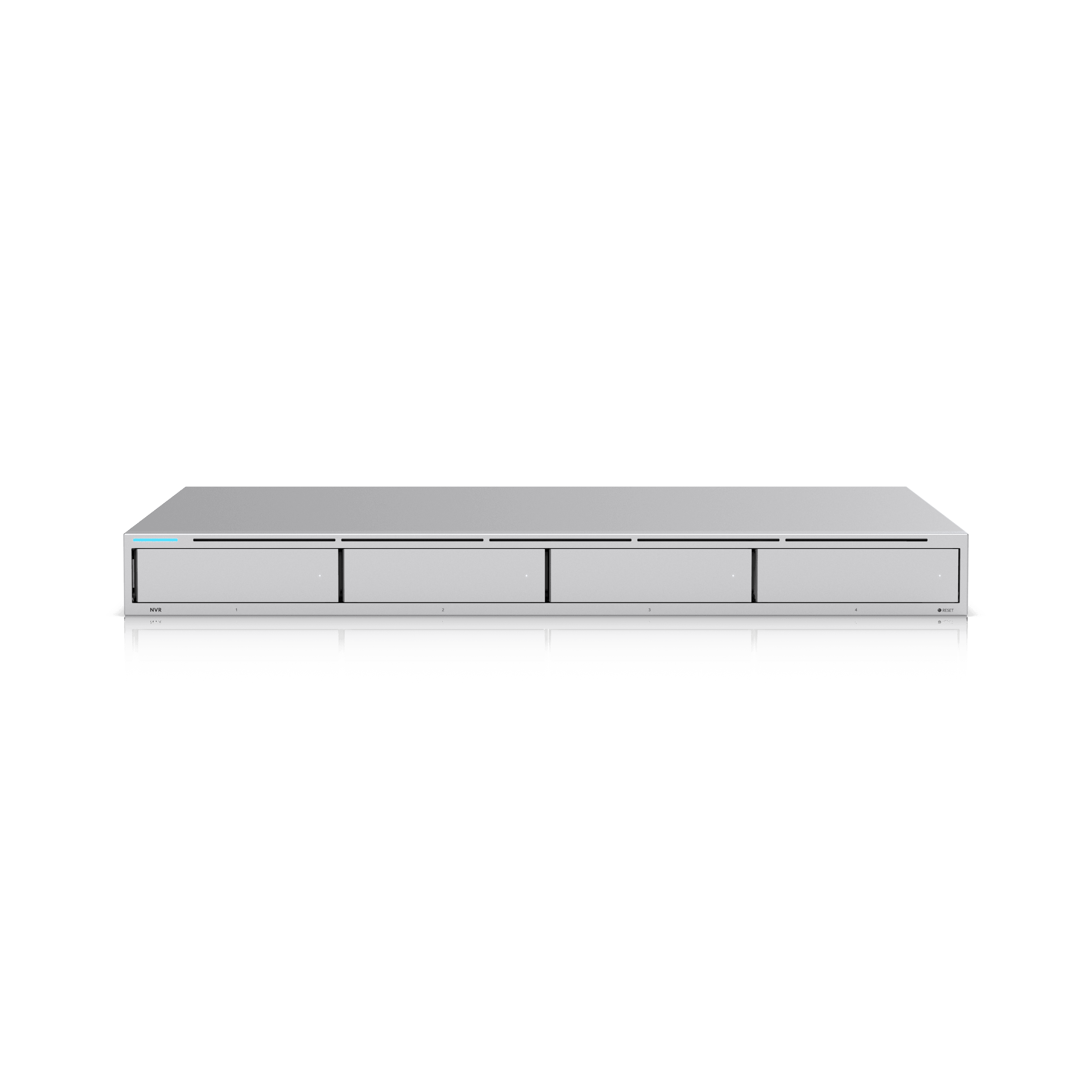
Camera and VMS vendors ship firmware on a cadence the trade press covers closely, and the coverage follows the interesting part: a new detection type, a redesigned timeline, a licensing change. Operators need the boring part. A release that adds nothing you asked for can still change how long your video lasts.
The four lines worth finding
Every release cycle, we read the notes for the same items:
- Default codec and bitrate. If a recording profile changes, cameras added after the update may write at a different rate than the ones installed last year. Retention drifts and nobody notices until a review comes up short.
- Maximum concurrent streams. Remote viewing, a mobile app, and an analytics process all count. A limit that was generous at eight cameras is a support call at twenty.
- Export formats. An insurer or a detective needs a file that opens without a proprietary player. If the default export changes, find out on a Tuesday, not during an incident.
- Anything that re-encodes or re-indexes existing footage. That is the one that eats a night of disk activity and sometimes a chunk of the archive.
Why this hits small sites harder
An enterprise site has staging hardware and a change window. A shop with one recorder does not. The upgrade lands, the drives are already near their working ceiling, and the first symptom is a retention target that silently drops from six weeks to four.
Cloud toggles deserve the same read. A sync or remote-backup default that flips on changes upstream bandwidth on a site whose internet was sized for point-of-sale traffic. That is a network problem arriving disguised as a camera update.

How we handle it
We do not treat every release as urgent, and we do not let recorders update themselves overnight on a production site. The practice is unglamorous:
Size storage with margin — plan the drives for the retention target plus roughly a third, so a codec default or an added camera does not break the requirement. Read the notes before the upgrade, not after. Schedule the work when someone can watch it and roll back if the archive behaves oddly. Then re-check actual retention a week later against the number on the design sheet, because the sheet is the commitment, not the release announcement.
None of this replaces coverage design. A recorder holding ninety days of a badly aimed camera is still ninety days of unusable video. But retention is a promise we put in writing on Protect builds, and firmware is one of the few things that can break that promise without anyone touching the site.